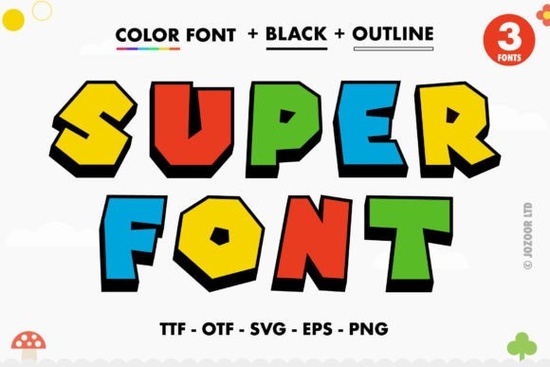
If you're looking for a playful yet bold typeface that adds instant personality to your designs, Super Font might be just what you need. It’s a thick, colorful lettered font with built-in swashes and decorative glyphs that make it stand out especially for projects where visual impact matters. Whether you’re designing t-shirts, social media graphics, or custom greeting cards, Super brings a cheerful energy without needing extra embellishments.
What makes this font especially handy is its PUA (Private Use Area) encoding. That means all the special characters, alternate letters, and flourishes are accessible right from your keyboard in compatible software no digging through character maps or layering files. Just type, and the extras appear as you go.
Who is Super Font best suited for?
This font works well for:
- Print-on-demand sellers creating eye-catching mugs, posters, or apparel
- Crafters using digital cutting machines like Silhouette
- Small business owners designing logos, packaging, or promotional materials
- Digital designers building social content, invitations, or branding kits
Because it’s a color font (OpenType-SVG), it renders with full color and texture right inside supported apps so you don’t have to manually recolor or add effects later.
Which design programs actually support it?
Super Font is compatible with:
- Adobe Photoshop (CC 2017 and newer)
- Adobe Illustrator (CC 2018 and newer)
- Silhouette Studio (Business Edition or higher)
- Inkscape (version 1.0+ with SVG font support enabled)
However, it’s important to note: the OTF and TTF versions of Super Font won’t work with Cricut Design Space. Cricut doesn’t support OpenType-SVG color fonts, so if you rely on Cricut for your projects, you’ll want to look for a standard vector version or use a different tool for layout before cutting.
If you’re unsure whether your software supports color fonts, Creative Fabrica’s guide to using Super Font and similar colorful typefaces walks through setup steps and troubleshooting tips for each platform.
How do I access all the swashes and alternate letters?
Thanks to PUA encoding, you can access the full range of glyphs directly in programs like Photoshop or Illustrator:
- Open the Glyphs panel (Window > Glyphs in Adobe apps)
- Select the Super Font as your active typeface
- Browse or search for alternates, swashes, and ligatures
- Double-click to insert them into your text
In Inkscape, you may need to enable “Show extended characters” in the Text and Font dialog to see the full set. For Silhouette users, the Business Edition includes a glyph browser that makes swapping characters straightforward.
Is a color font worth the extra setup?
For certain projects, absolutely. If you’re creating mockups, digital illustrations, or print-ready artwork where layered effects would slow you down, a color font like Super saves time. Instead of coloring each letter manually or overlaying textures, the font delivers a finished look in one step.
That said, color fonts aren’t universal. They’re not ideal for web use (most browsers don’t render them fully), and they can’t be converted to outlines in all programs. So think of Super Font as a specialty tool perfect when you need vibrancy and detail without extra layers.
Before purchasing, consider your primary use case. If most of your work ends up in Cricut or requires outlined vectors for printing, you might prefer a standard version. But if you’re working digitally in Photoshop or Illustrator and want quick, lively typography, Super delivers.
Next steps before you download
Here’s a quick checklist to ensure Super Font fits your workflow:
- ✅ You use Photoshop CC 2017+, Illustrator CC 2018+, Inkscape 1.0+, or Silhouette Studio Business Edition
- ✅ Your project benefits from pre-colored, textured lettering (e.g., posters, digital art, branding)
- ❌ You rely solely on Cricut Design Space (this font won’t display correctly there)
- ✅ You’re comfortable using the Glyphs panel or character map to access alternate letters
If everything checks out, Super Font could be a fun and efficient addition to your creative toolkit especially when you want bold, cheerful typography that stands out without extra effort.
Learn More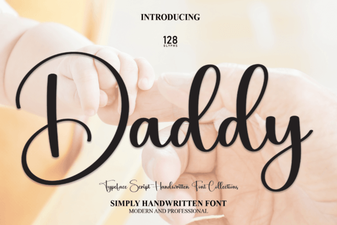 Creative Uses for the Daddy Display Font
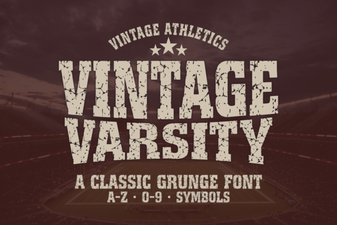 Vintage Varsity Font Styles and Creative Applications
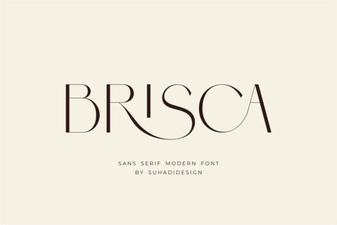 Brisca Font: Modern Designs & Creative Applications
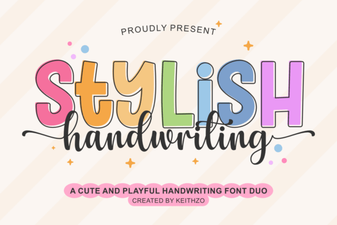 Stylish Handwriting Fonts for Modern Design Projects
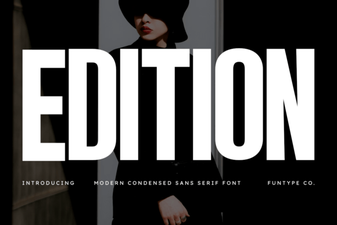 Edition Font Design: Your Style Blueprint
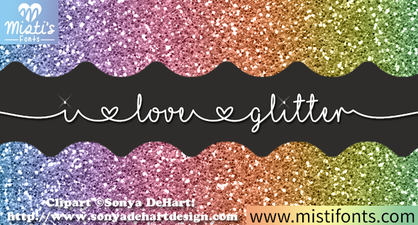 Spark Your Design with Glitter Font Inspiration